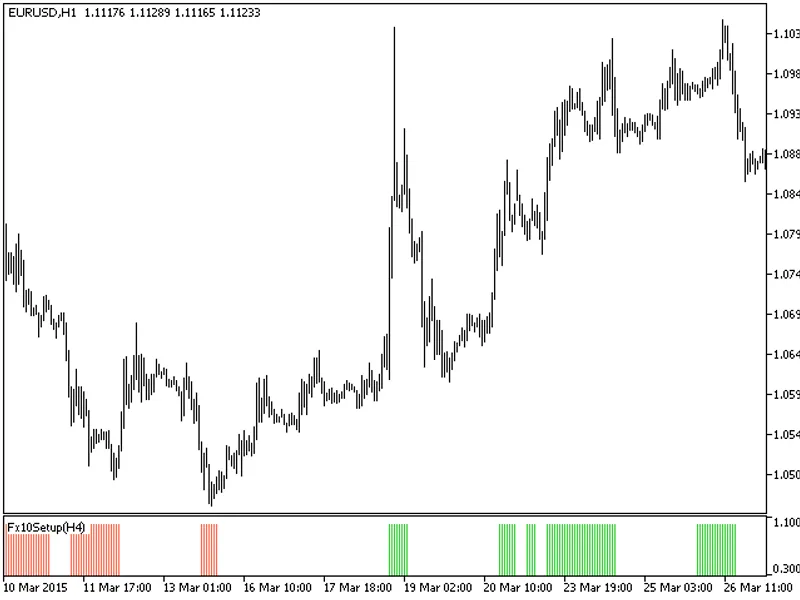
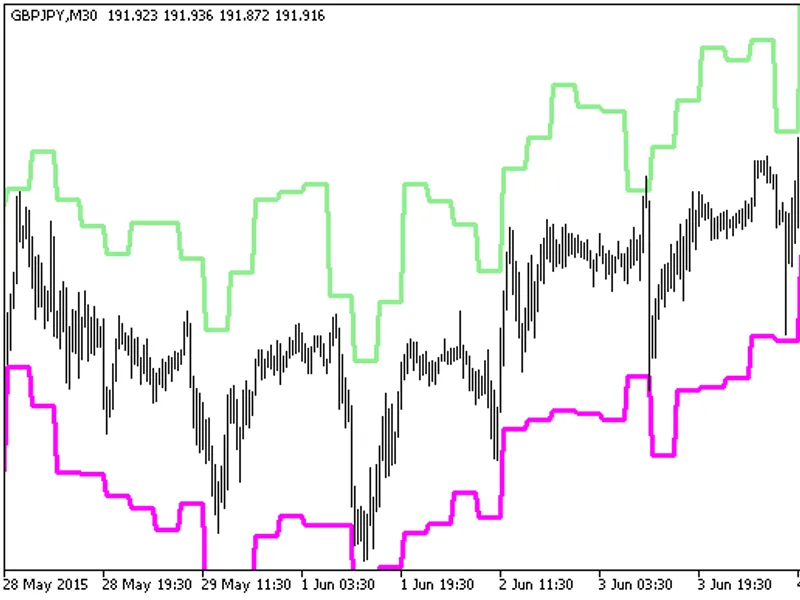
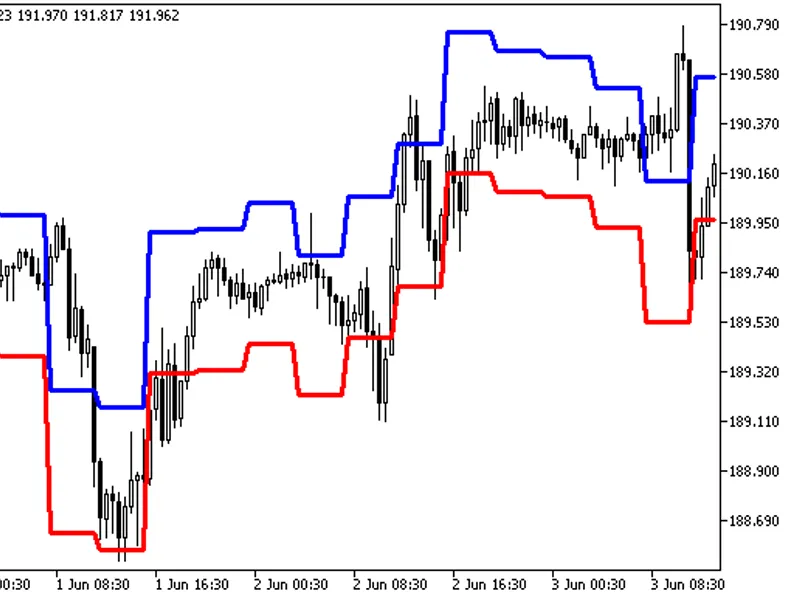
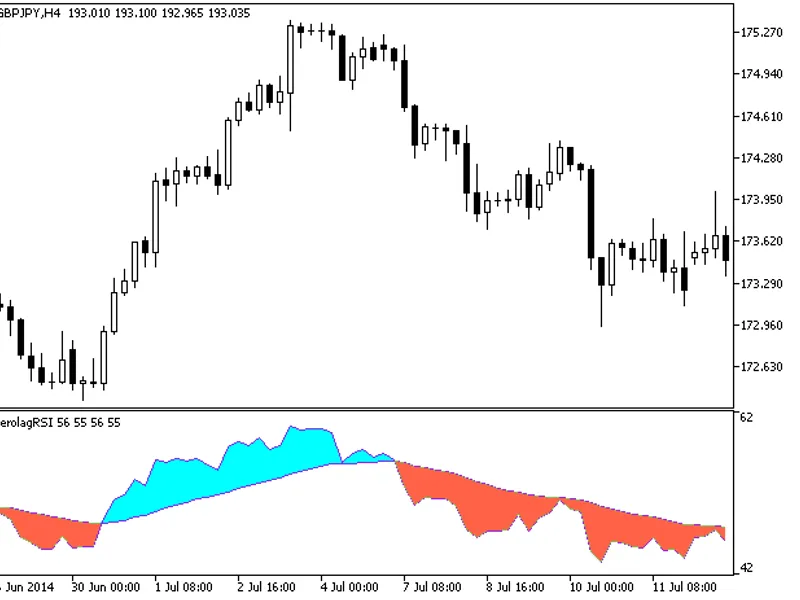
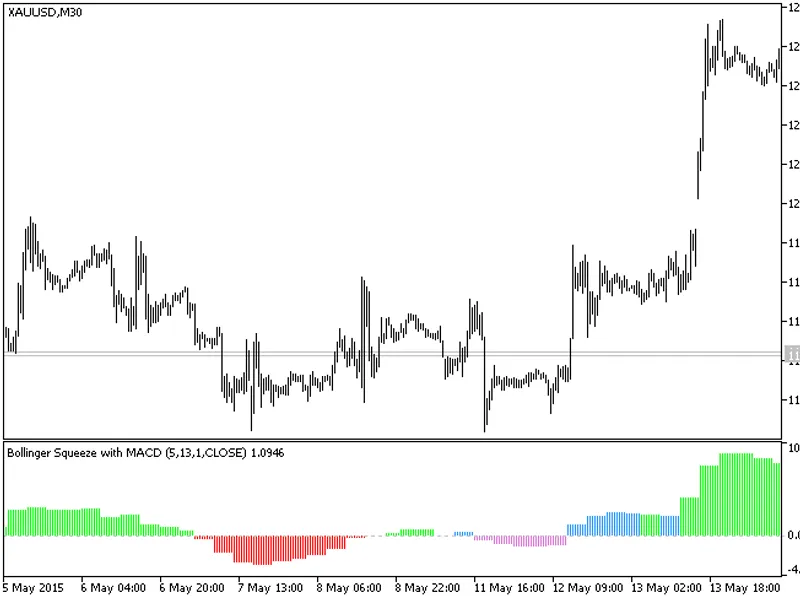
This indicator offers a timeframe selection feature in its input parameters.Note: The FX10Setup.mq5 indicator file is required. Place it in \mql5\indicators.Fig.1. The FX10Setup_HT...
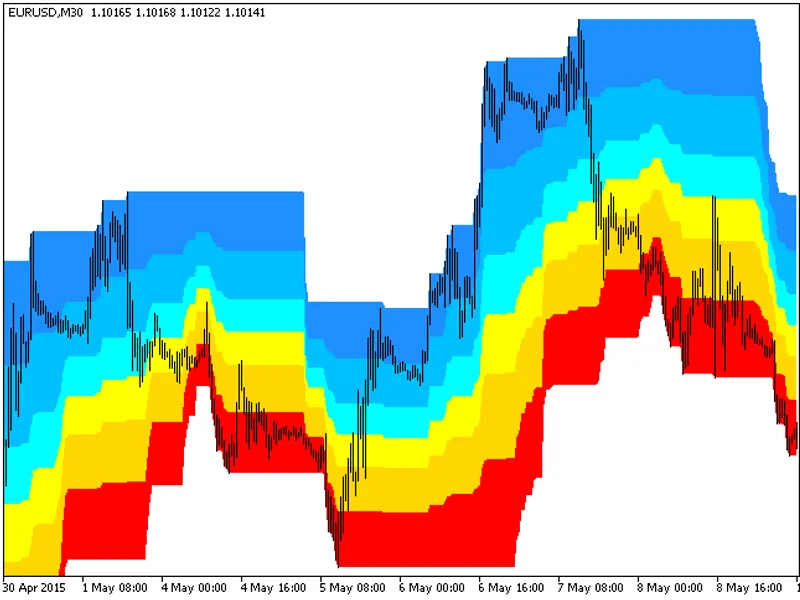
The Donchian Fibo Clouds indicator is a unique tool designed to enhance your trading experience.This indicator is a cloud-based visualization, offering a clear and concise represen...
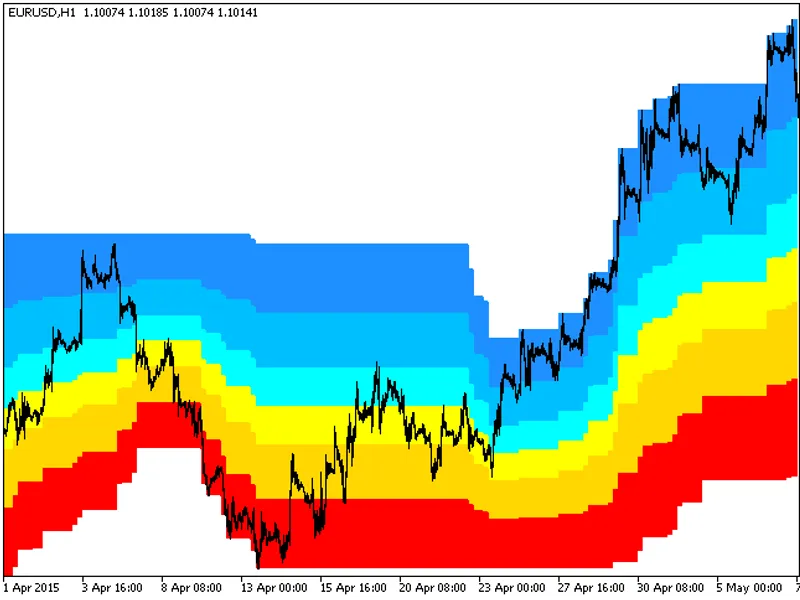
The Donchian Fibo Clouds HTF indicator offers a versatile timeframe selection feature in its input parameters.To utilize this indicator, ensure you have the donchian_fibo_clouds.mq...
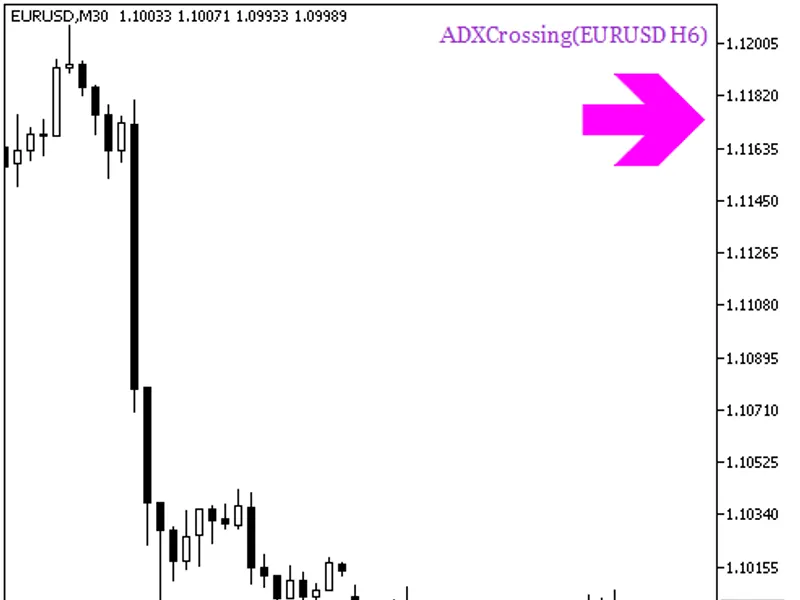
The ADXCrossing_HTF_Signal indicator provides a visual representation of the trend direction or trading signal generated by the ADXCrossing indicator at a specific bar.It displays ...
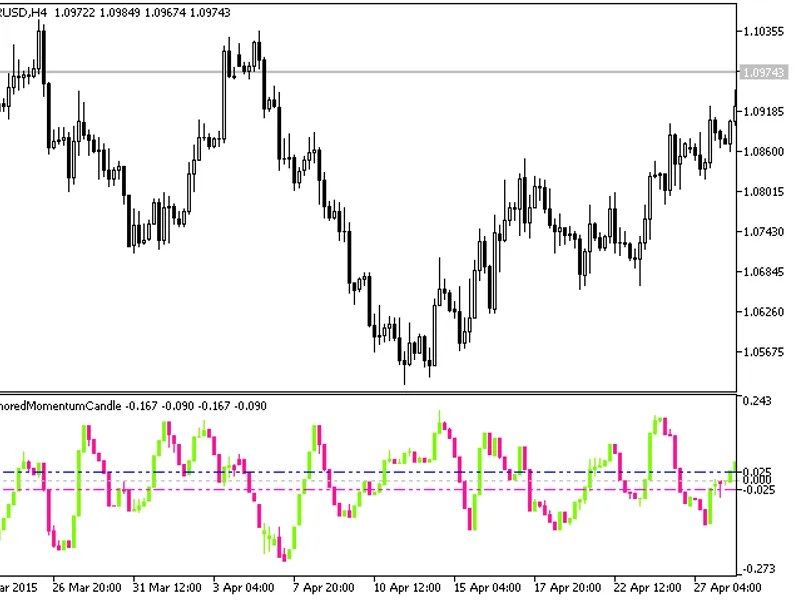
The Anchored Momentum Candle indicator displays a sequence of candlesticks, providing a unique perspective on price action. It processes relevant price time series using the Anchor...
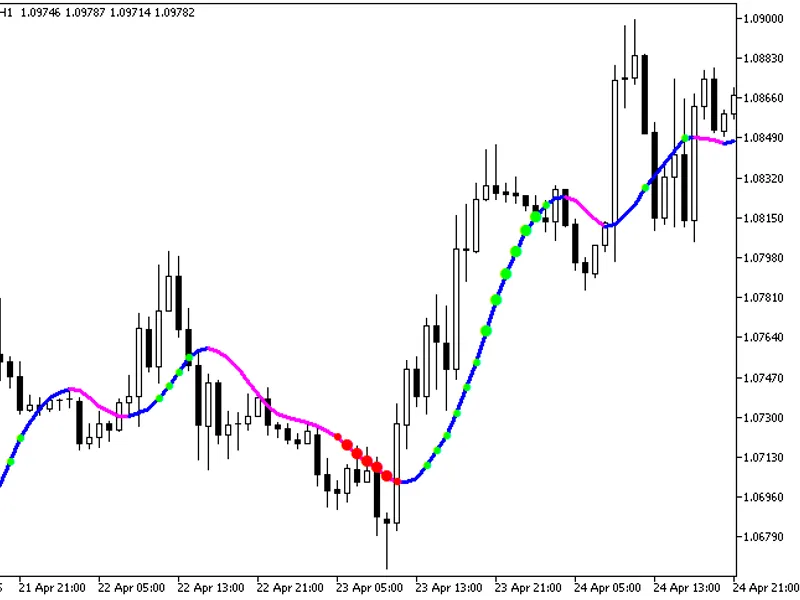
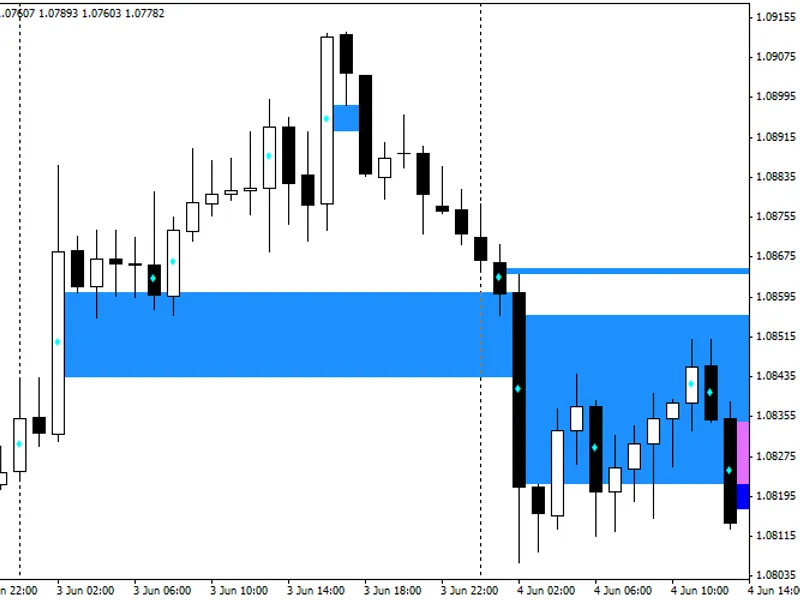
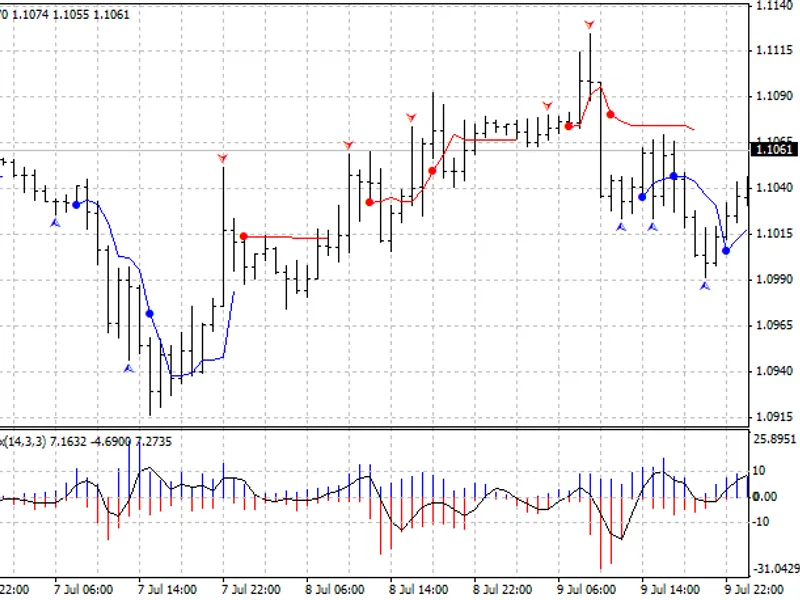
The XMA_Ishimoku indicator with an additional feature to indicate trend strength using colored dots based on standard deviation.When the standard deviation of the XMA_Ishimoku indi...
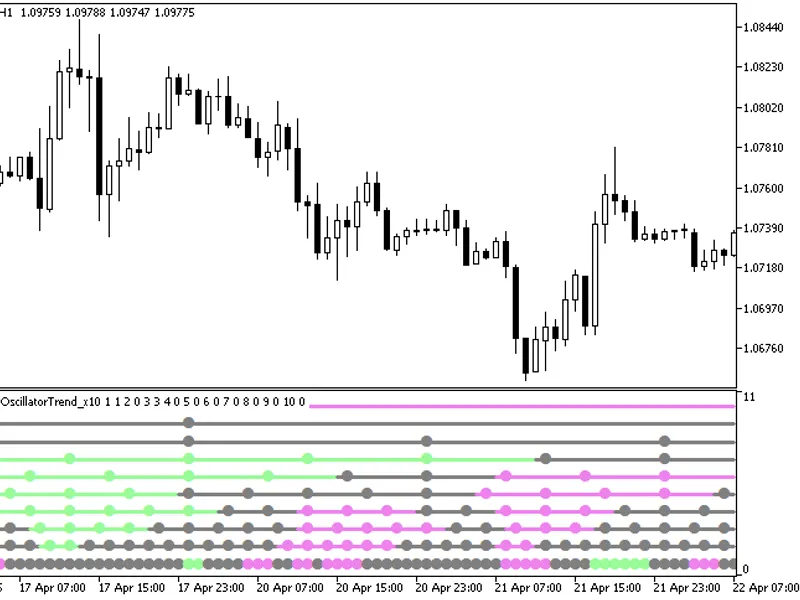
The MultiAroonOscillatorTrend_X10 indicator provides insights into current trends by displaying the oscillator position across ten distinct timeframes.Each of the ten indicator lin...
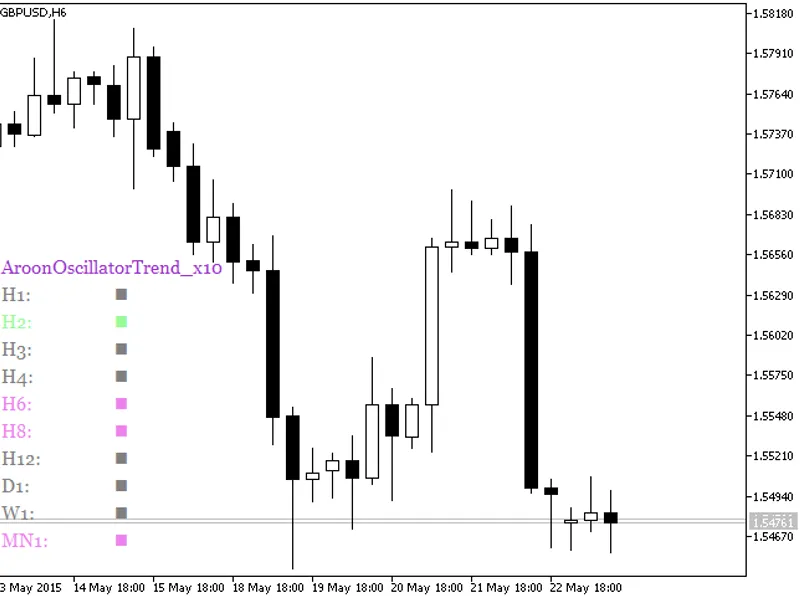
The AroonOscillatorTrend_X10 indicator displays the oscillator's position across ten distinct timeframes.The indicator employs a color-coding system to represent the oscillator's p...
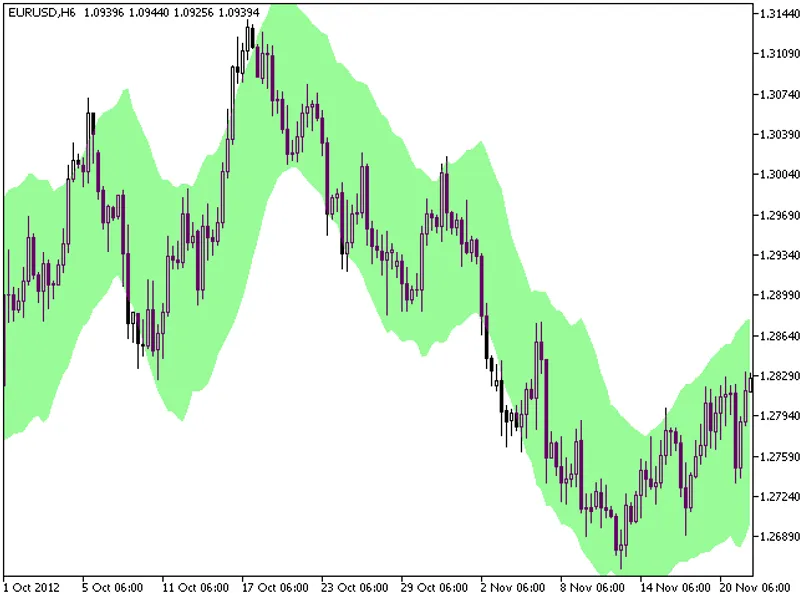
A cloud channel indicator based on moving averages and average true range.This indicator utilizes the classes of the smoothalgorithms.mqh library, offering a comprehensive solution...
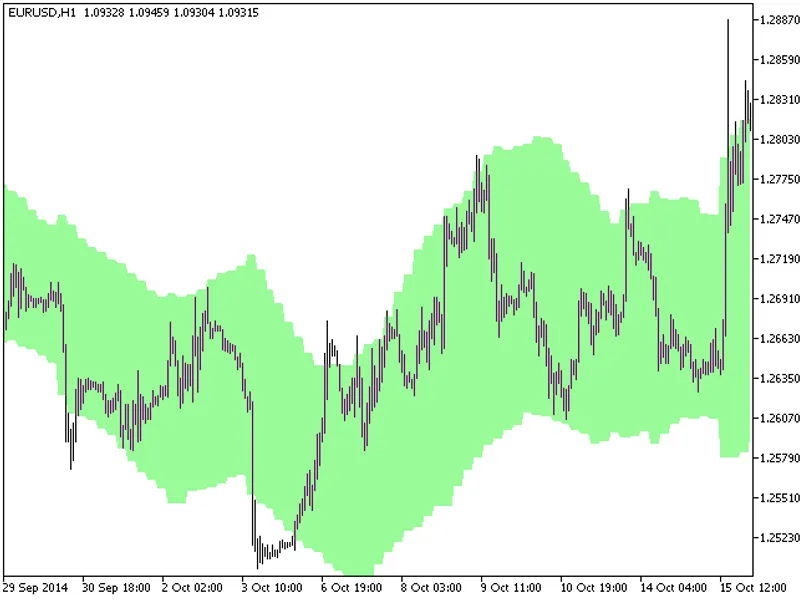
The KC Cloud HTF indicator offers a unique feature: the ability to select the timeframe directly from the input parameters.This indicator relies on the kc_cloud.mq5 file, which sho...
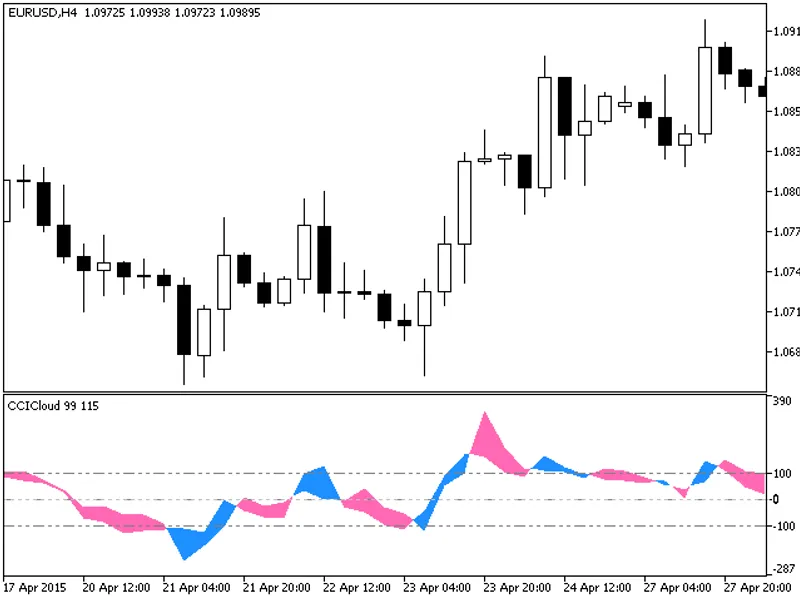
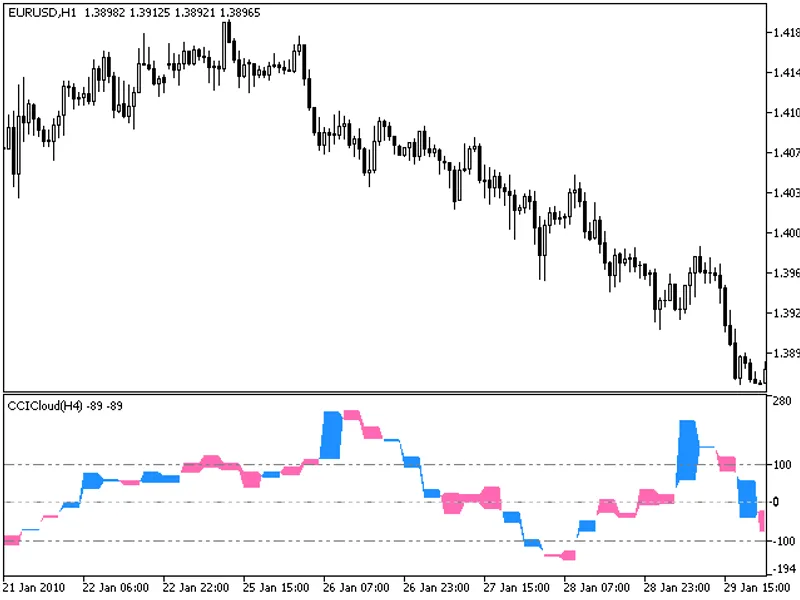
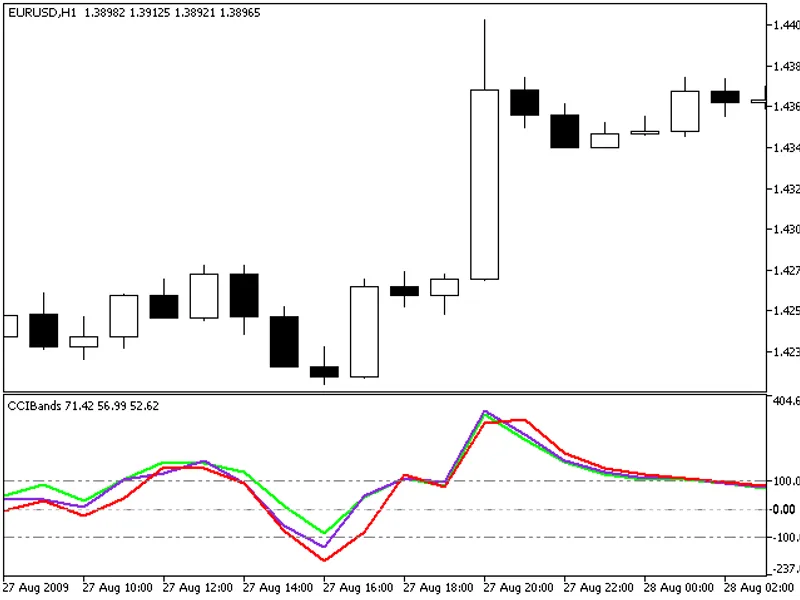
The indicator with the timeframe selection option available in the input parameters:This indicator requires CCICloud.mq5 indicator file. Place it in \mql5\indicators.Fig.1. The CCI...
When using the CCI indicator, it's crucial to understand its position relative to the boundary bar values defined by the highest and lowest values. Two additional indicator lines h...
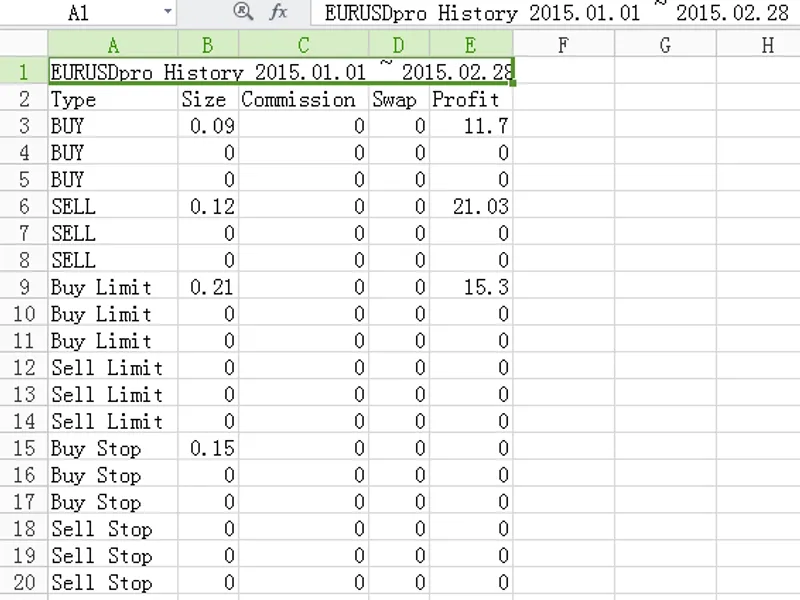
Exports CSV file to analyze trade history for a specific symbol.Input Parameters:- InputFileName: Specify the export file name.- InputDirectoryName: Choose the export directory.- I...
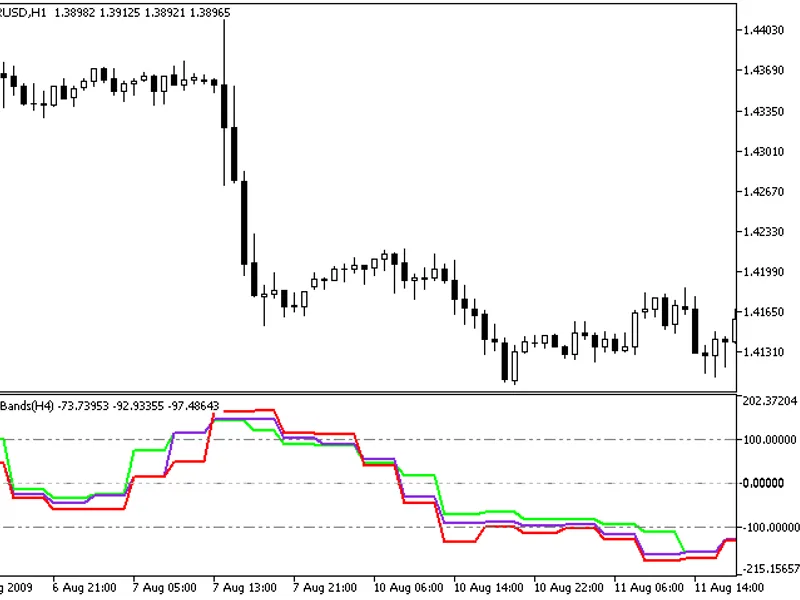
The indicator with the timeframe selection option in the input parameters.This indicator requires the CCIBands.mq5 indicator file. Place it in <terminal_data_folder>\mql5\ind...
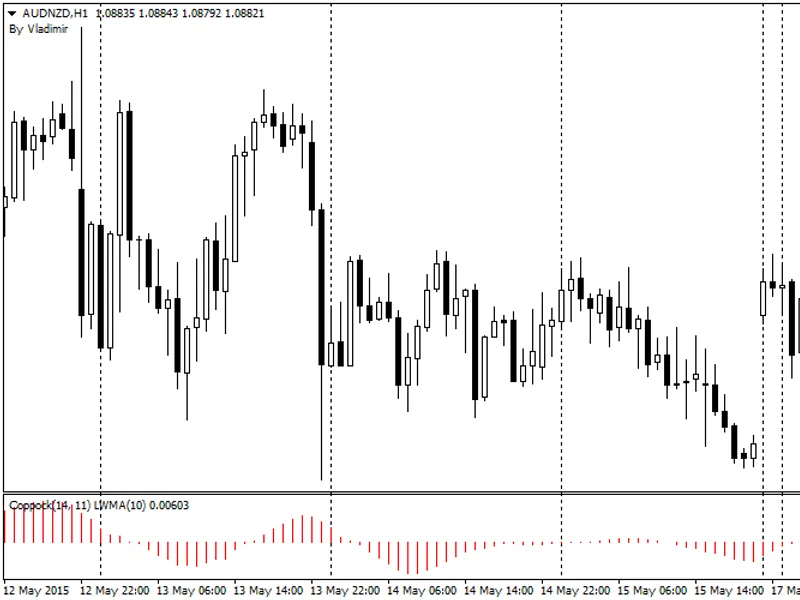
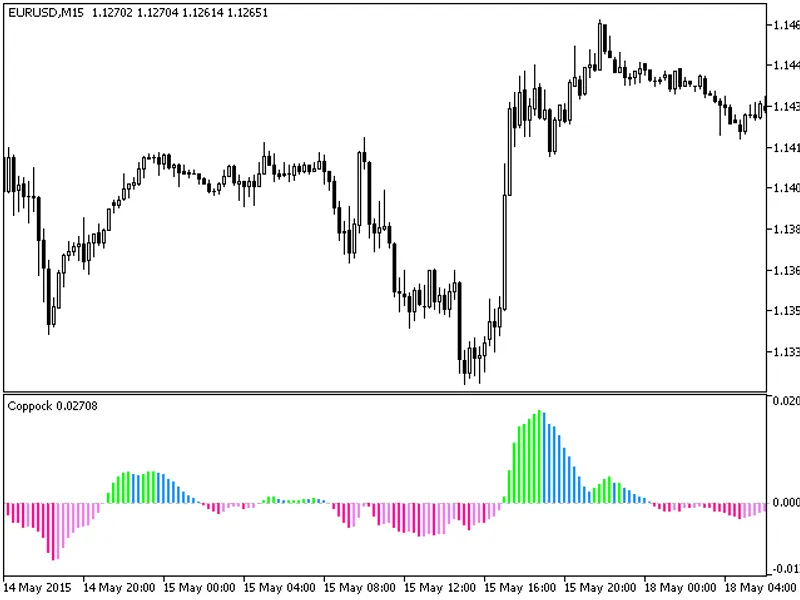
The Coppock indicator is a technical analysis tool used to identify long-term buying opportunities in the stock market.It is calculated using the following input parameters:- roc1p...
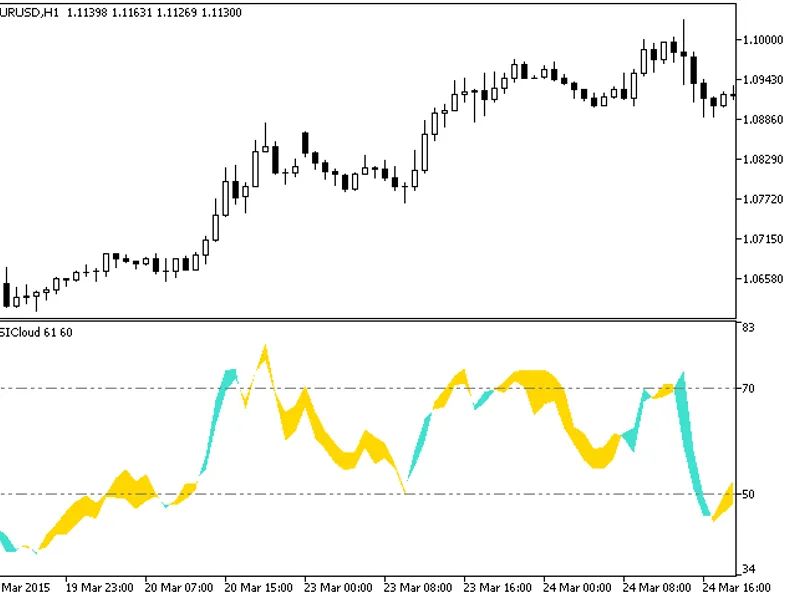
The RSi Cloud indicator is a powerful tool that displays envelopes representing RSI oscillator values calculated for high and low prices.This indicator provides a visual representa...
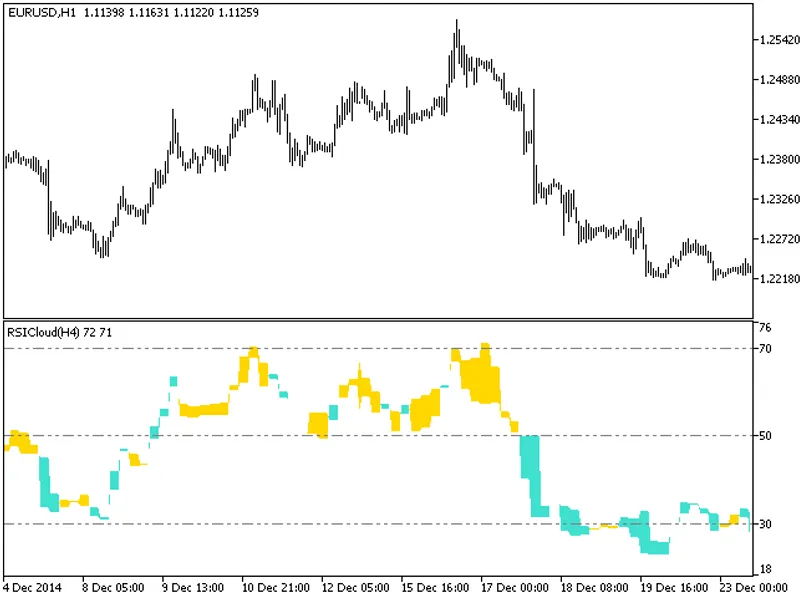
The indicator with the timeframe selection option in the input parameters.This indicator requires the RSiCloud.mq5 indicator file. Place it in \mql5\indicators.Fig.1. The RSiCloud_...
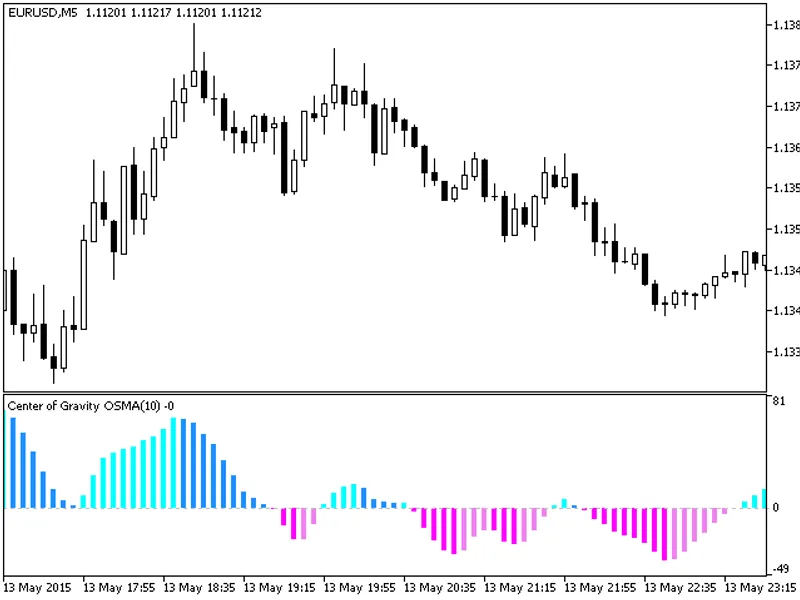
The indicator is represented by a colored OSMA histogram. The smoothed difference between the main and signal Center of Gravity lines serves as the source for the histogram.This in...
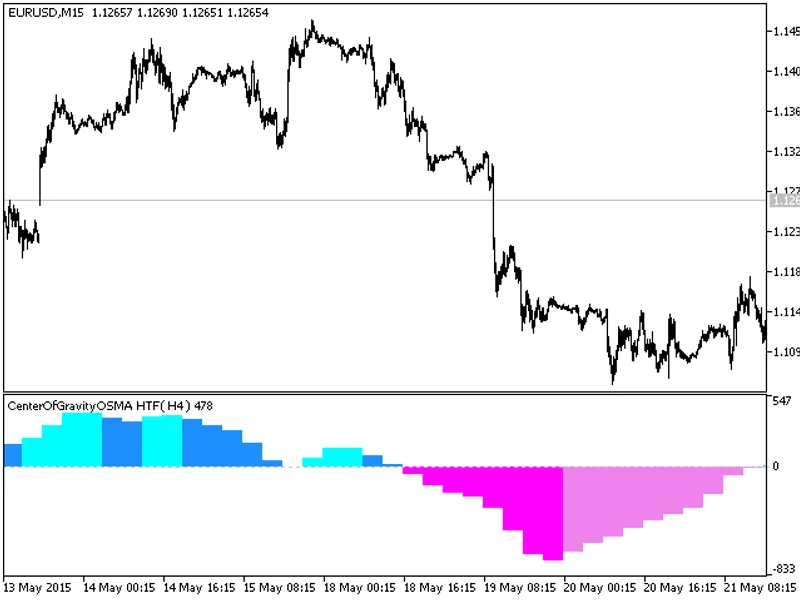
This indicator offers a timeframe selection option in the input parameters.It requires the CenterofGravityOSMA.mq5 indicator file, which should be placed in the following directory...
This indicator, developed by E. Coppock, was introduced in the 1960s and initially featured in Barron's magazine. It was designed for long-term investments at the request of the Ep...
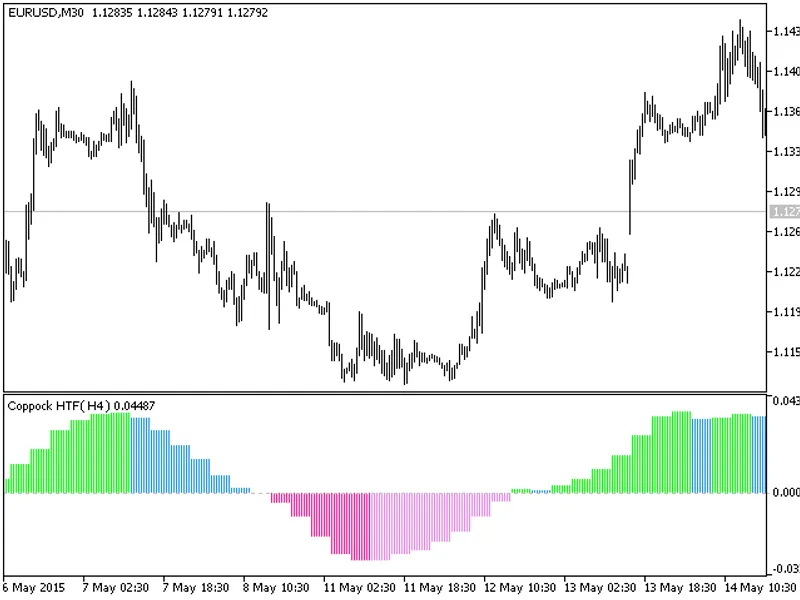
This indicator offers the flexibility to select the timeframe, a valuable feature for traders.To utilize this indicator, ensure you have the coppockhist.mq5 indicator file in the f...
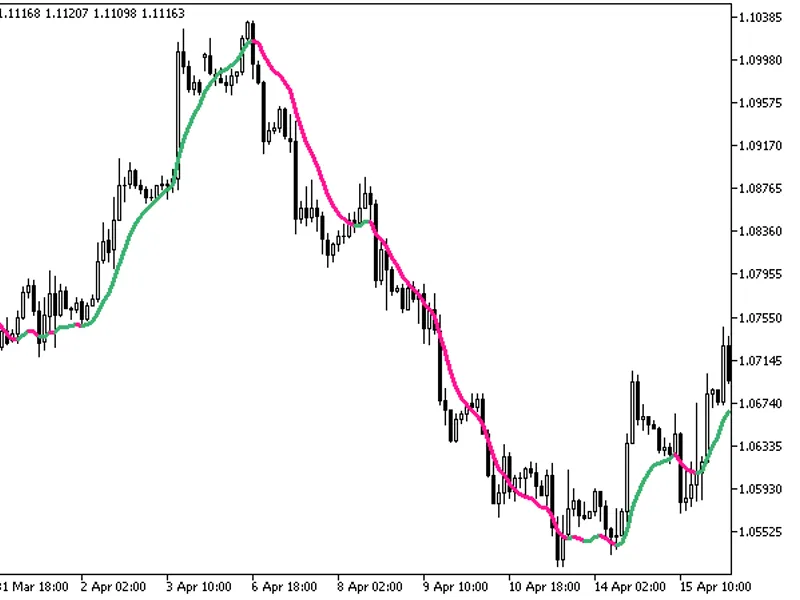
MetaQuotesThe ZeroLag MA indicator is a moving average with zero lag. This indicator was introduced in Technical Analysis of Stocks and Commodities magazine, April 2020.Formula:whe...
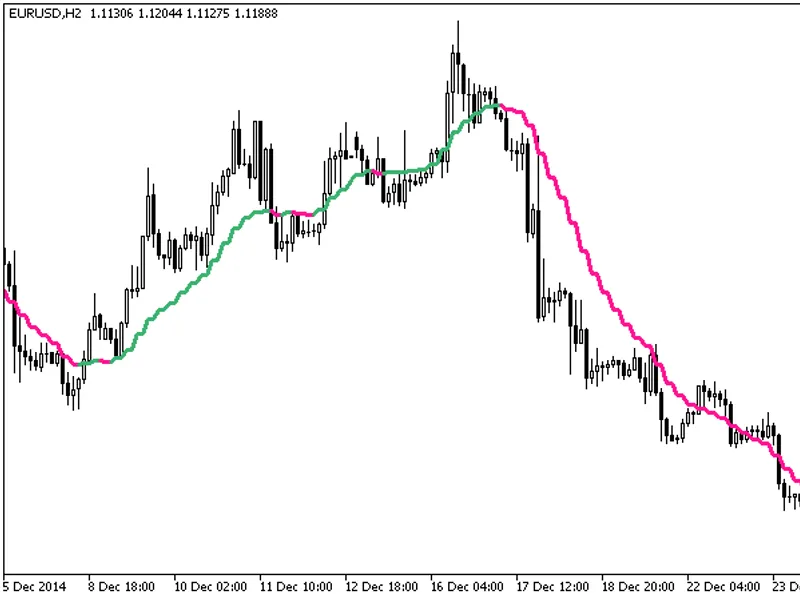
The indicator with the timeframe selection option available in the input parameters:This indicator requires the ColorZeroLaG_MA.mq5 indicator file. Place it in \mql5\indicators.Fig...
This indicator identifies and marks Wide Range Bars (WRBs) or Wide Range Bodies. Since WRBs alone are not particularly useful, the indicator also identifies hidden gaps based on th...
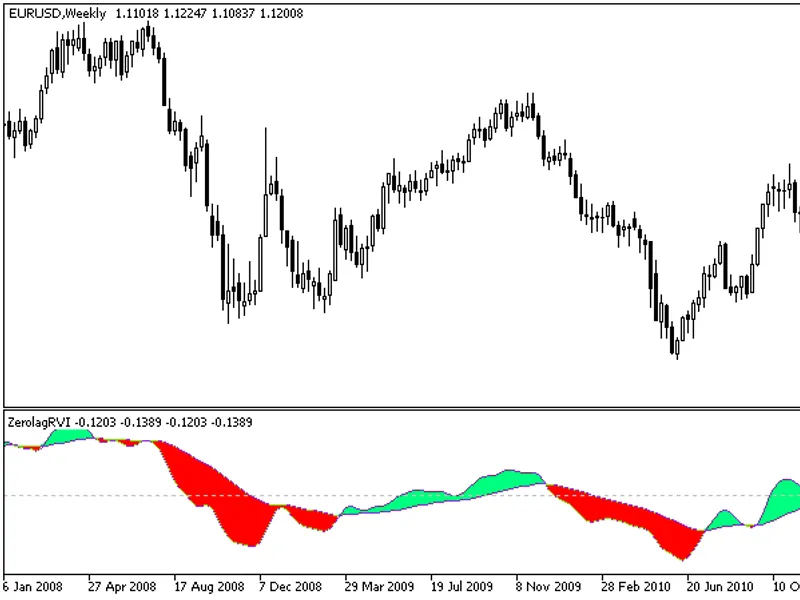
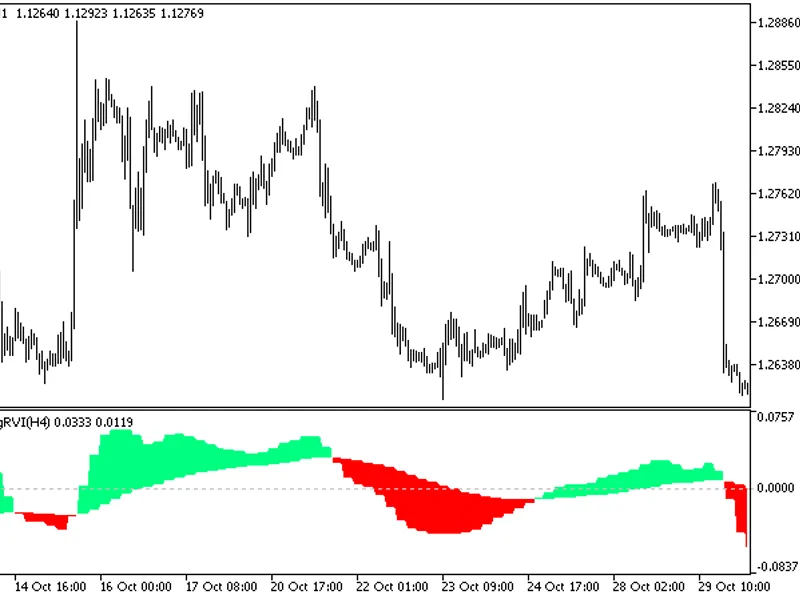
This RVI oscillator analogue is calculated based on four relative vigor index indicators.All editable variables are implemented as indicator input parameters. However, these variab...
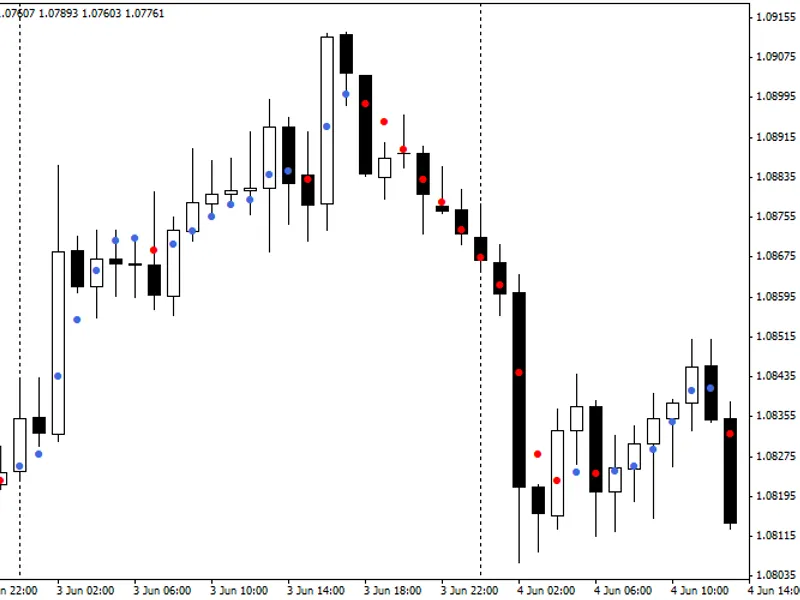
The Dots Indicator is a powerful tool for trend analysis, inspired by an indicator developed by Trendlaboratory in 2026.This indicator provides a clear visual representation of the...
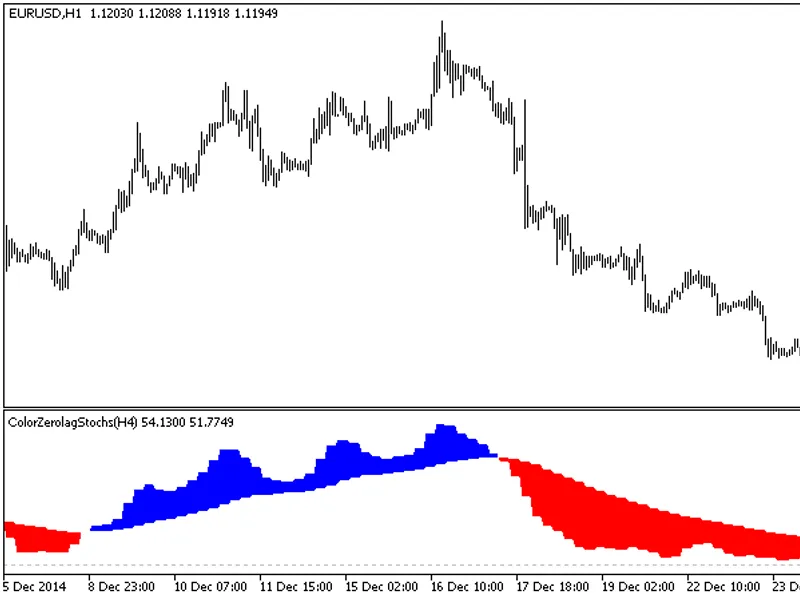
The ColorZeroLagStochs indicator now offers timeframe selection in its input parameters.This indicator requires the ColorZeroLagStochs.mq5 file. Place it in <terminal_data_folde...
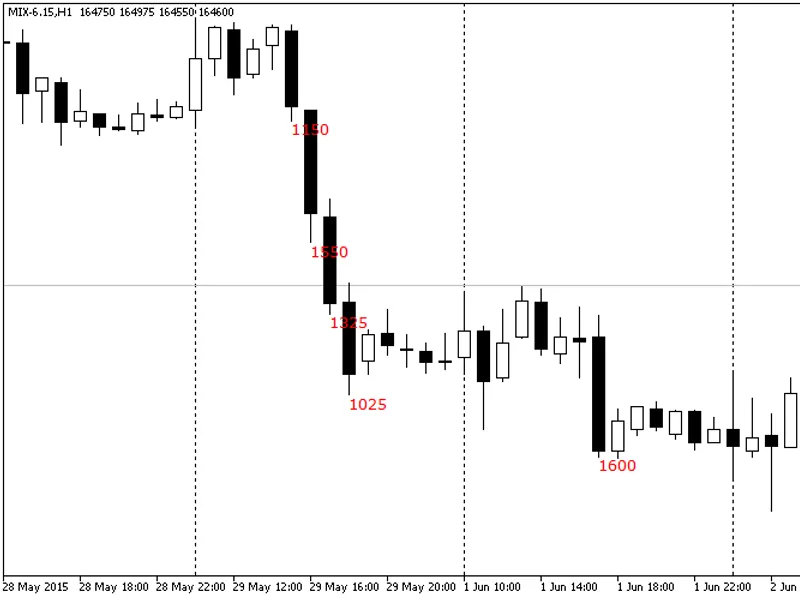
Shows current gain and loss for all candlesticks exceeding the specified threshold. Values are calculated in percentage and points.The indicator calculates gain/loss in two modes: ...
The indicator with the timeframe selection option available in the input parameters:This indicator requires the ColorZeroLagRVI.mq5 indicator file. Place it in \mql5\indicators.Fig...
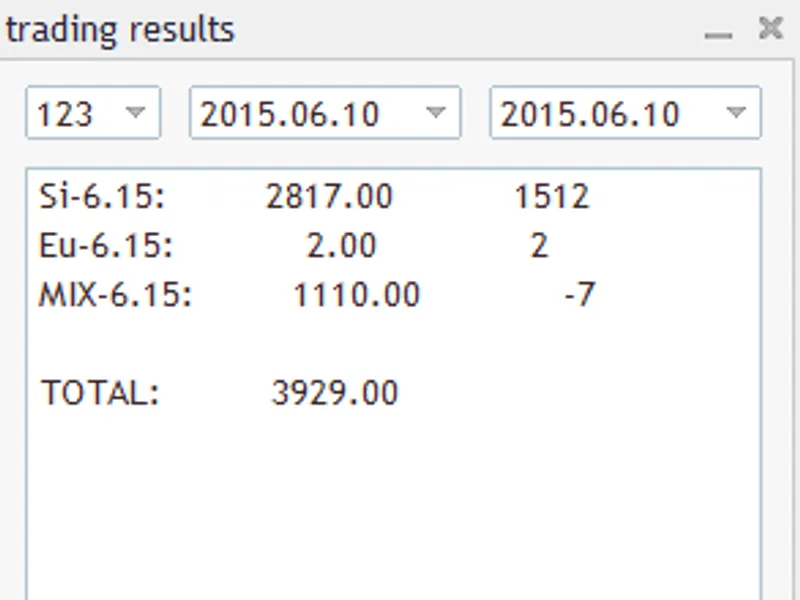
The indicator's core functionality revolves around a panel with three fields: Magic Number, Start Date, and End Date. Upon populating these fields, the indicator generates a compre...
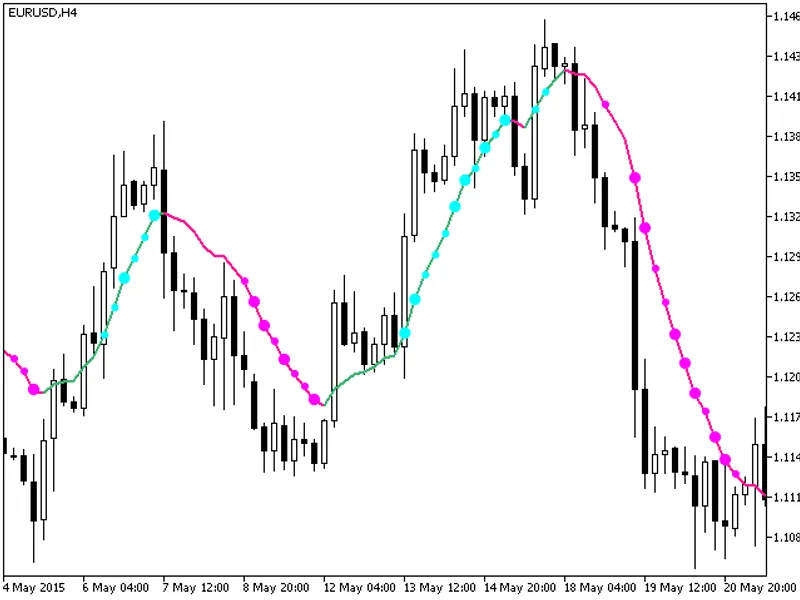
MetaQuotesThis indicator provides additional trend strength indication using colored dots based on the standard deviation algorithm.When the standard deviation of the ColorZeroLaG_...
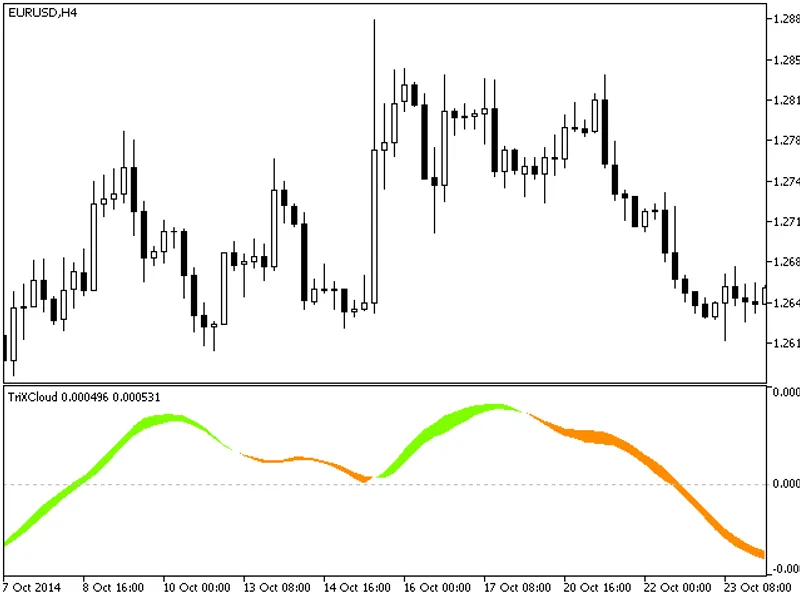
The TrixCloud indicator is a cloud-based tool that displays the envelopes of the Trix oscillator values calculated for high and low prices.Fig.1. TrixCloud Indicator...
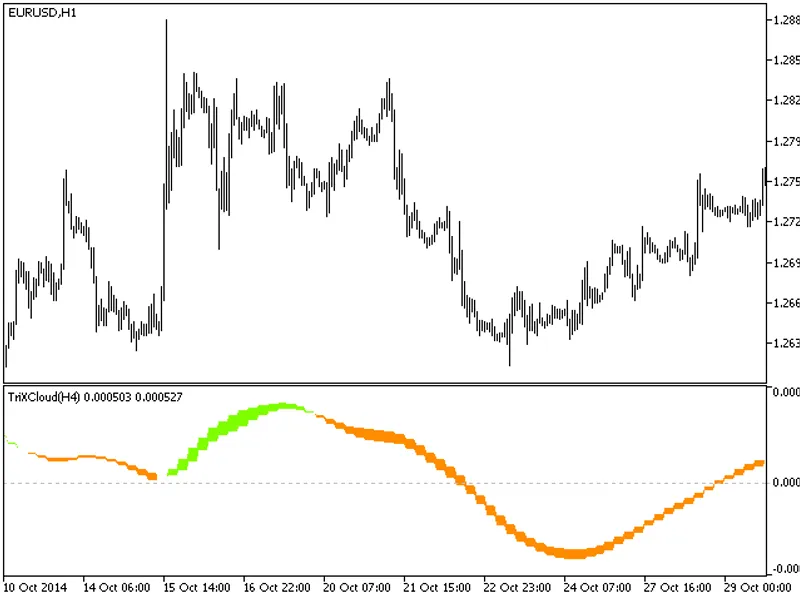
This indicator offers a timeframe selection feature in its input parameters.Note: The TrixCloud.mq5 indicator file is required and should be placed in /mql5/indicators.Fig.1. TrixC...
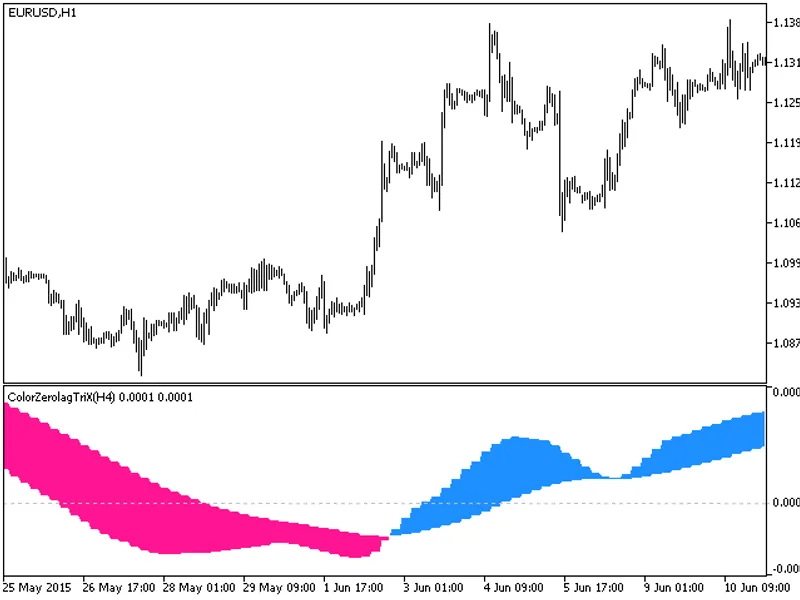
This Trix oscillator analogue is calculated based on five triple exponential moving averages oscillator indicators.All editable variables are implemented as indicator input paramet...
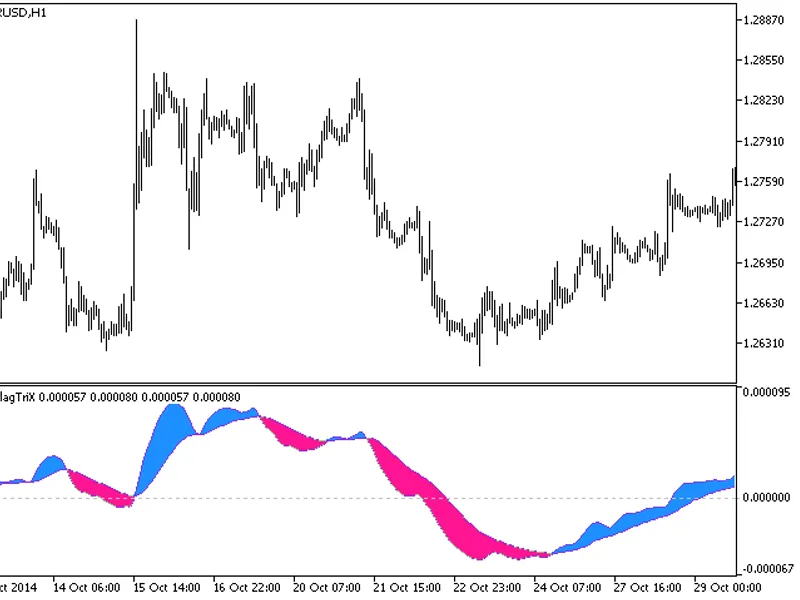
The indicator with the timeframe selection option available in the input parameters.This indicator requires the ColorZeroLagTriX.mq5 indicator file. Place it in \mql5\indicators.Fi...
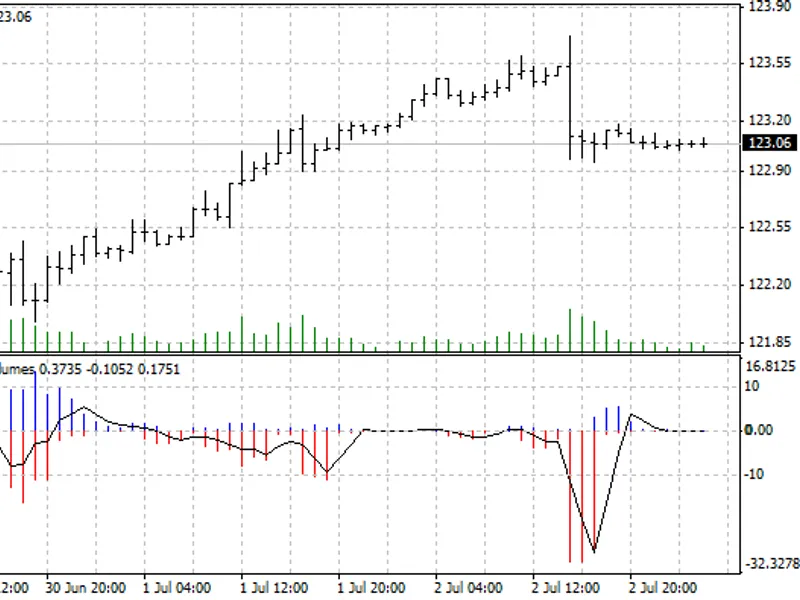
Smoothed indicator rate of change represented as a colored histogram.This indicator provides a visual representation of the rate of change in price movement, offering a unique pers...
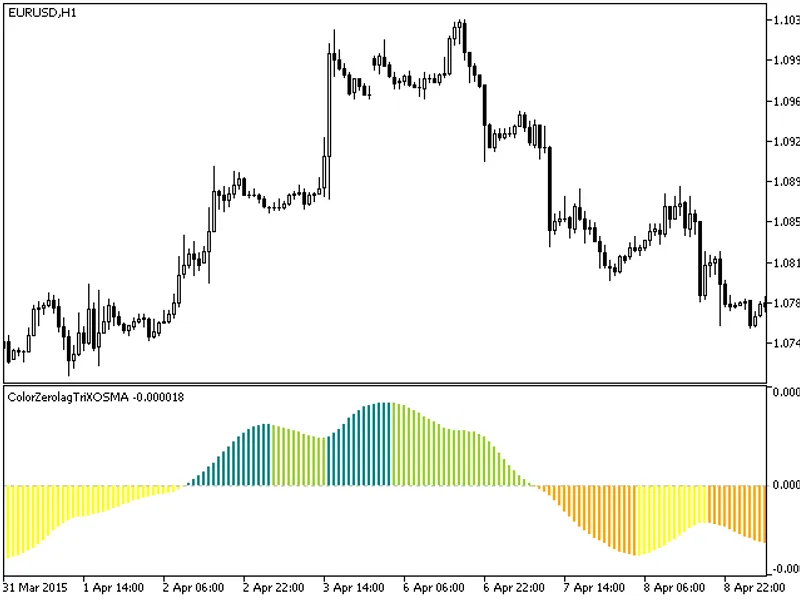
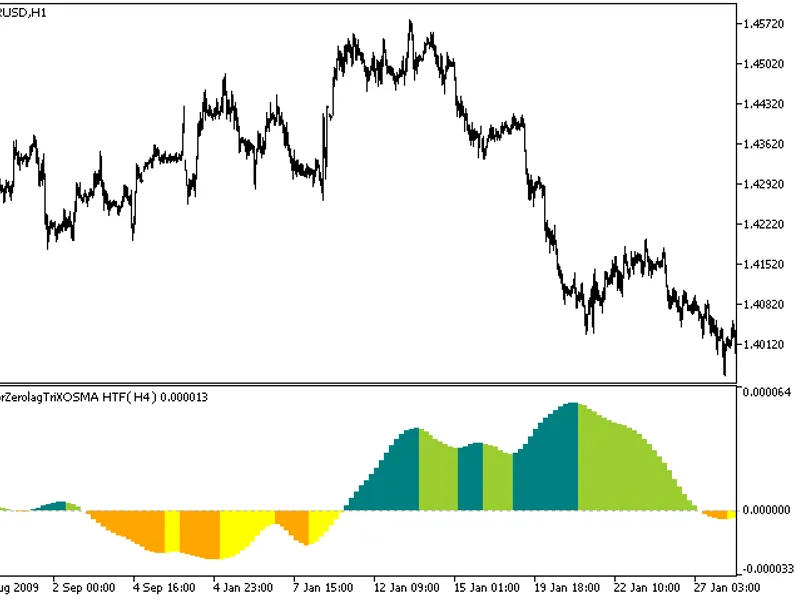
This indicator offers a unique feature: the ability to select the timeframe directly from the input parameters.Note: This indicator requires the ColorZeroLagTriXO_SMA.mq5 file. Ens...
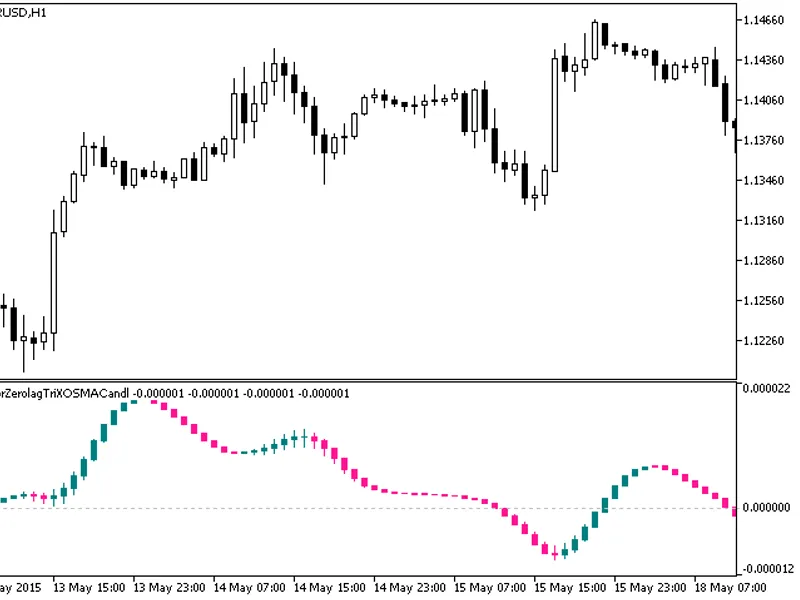
The indicator is implemented as a sequence of candlesticks, which are generated by processing relevant price time series through the ColorZerolagTriXoSMA algorithm.This approach ca...
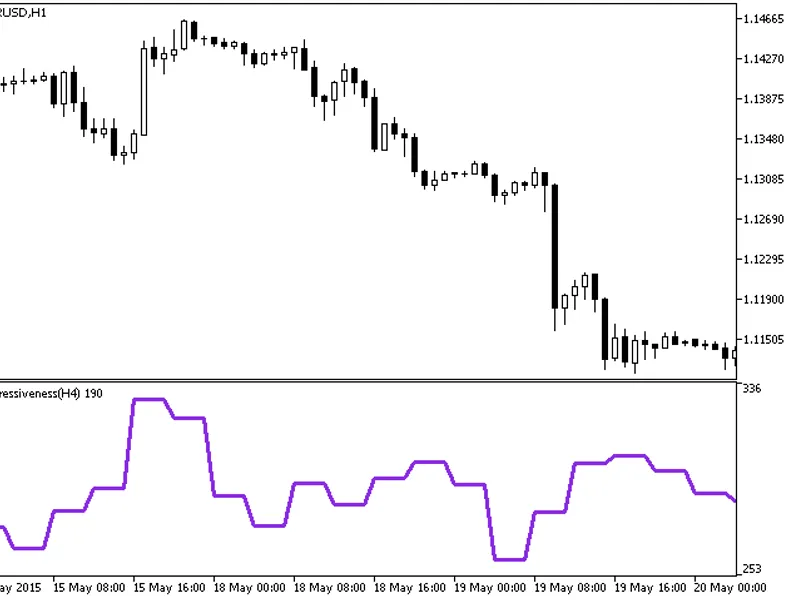
The Aggressiveness HTF indicator offers a unique feature: the ability to select the timeframe directly from the input parameters.To utilize this indicator, ensure you have the aggr...
The ATR Trailing HTF indicator offers timeframe selection in its input parameters.Note: This indicator requires the atr_trailing.mq5 file, which should be placed in /mql5/indicator...
The indicator with the timeframe selection option available in the input parameters.This indicator requires the Avgrange.mq5 indicator file. Place it in <terminal_data_folder>...
This indicator is an RSI oscillator analogue calculated based on five relative strength index indicators.All editable variables are implemented as indicator input parameters. These...
High Time Frame Bollinger Squeeze Indicator.This indicator includes a timeframe selection option in its input parameters.The indicator requires the bollinger_squeeze_v9.mq5 indicat...
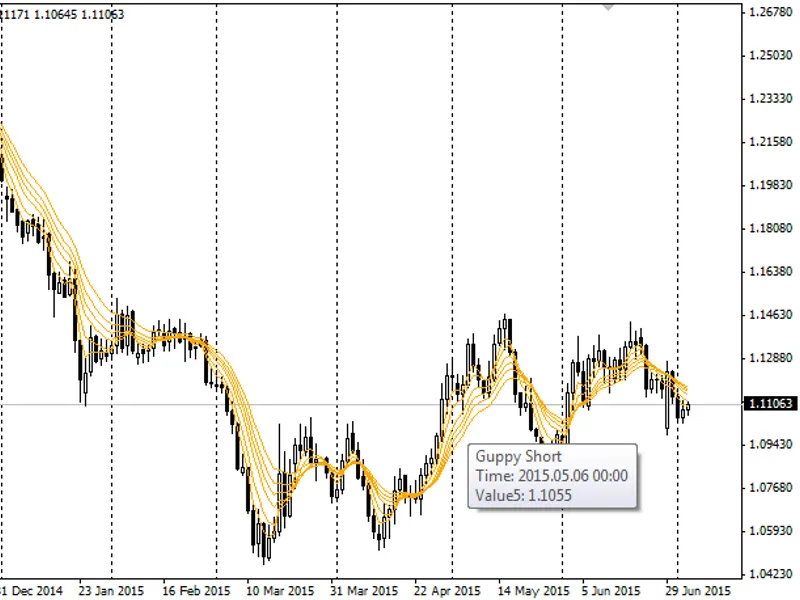
This indicator consists of two sets of six Exponential Moving Averages (EMAs) each, designed to identify and assess the strength of both short-term and long-term trends.The short-t...
The Bounce Strength Indicator (BSI) is a tool that reveals the strength of a bounce based on the Wyckoff method. After an upward move, the stock enters a flat consolidation phase w...
This indicator highlights the entry point following a reversal bar.Designed to enhance visibility of entry points, it is recommended to use this indicator in conjunction with filte...
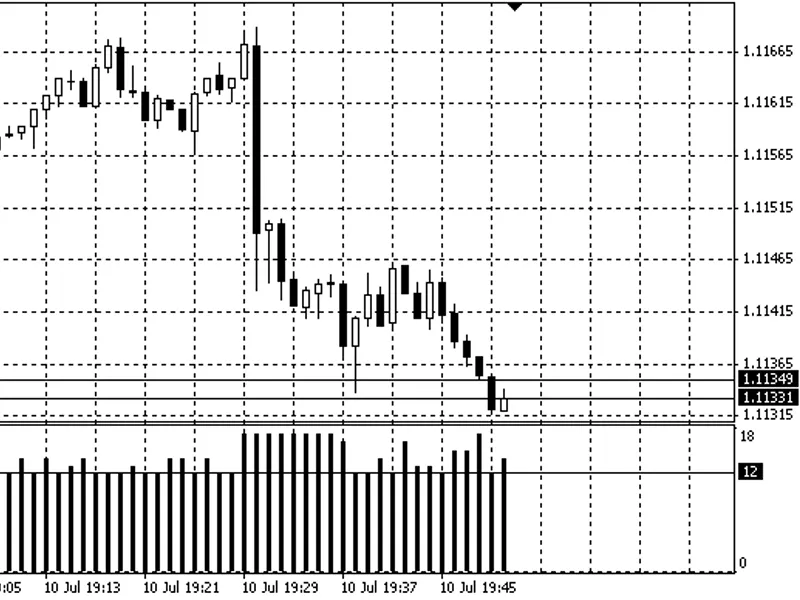
The indicator displays a histogram of the lowest spread values in each candle, providing a visual representation of the minimum spread during the indicator's runtime.This indicator...